Everyone says start a store. Nobody mentions the setup. Before your first sale you are told to research products, buy a theme, write every page and wire up a domain. That is where most people stop.
Here is the version that skips the spending.
1. Pick one niche
Choose a market you understand: pets, clothing, electronics, home or sport. One clear niche makes every later choice easier, from the products you stock to the photos you post.
2. Skip the paid theme and the course
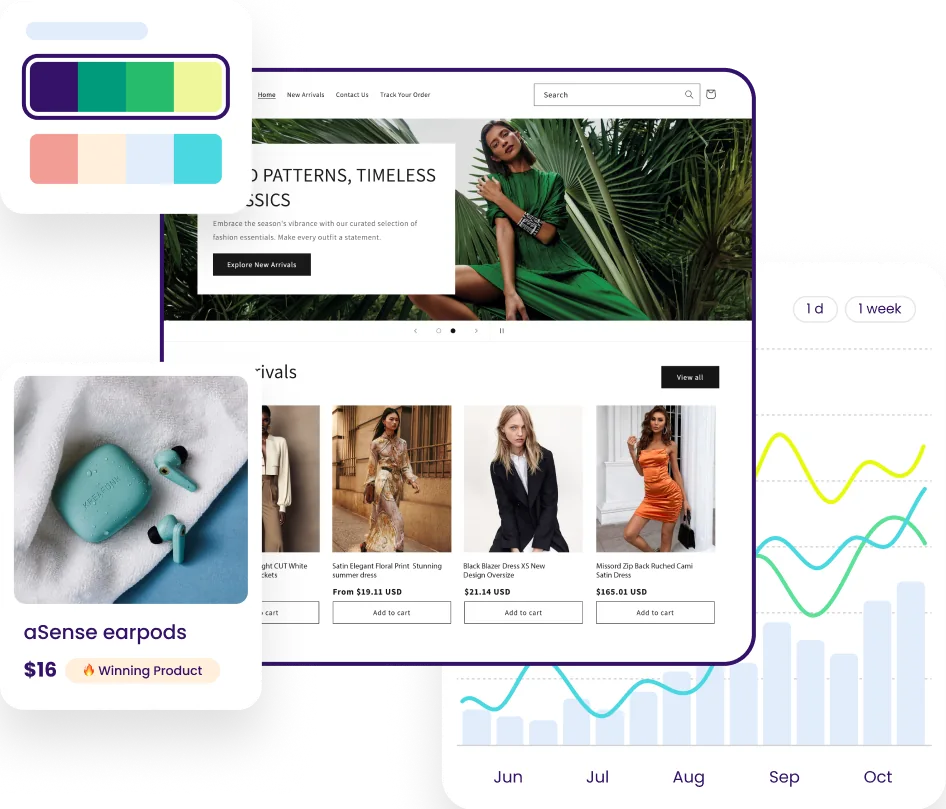
You do not need a premium theme or an expensive course to open a store. You need a theme that converts, product pages that are written, and products people already buy.
3. Get your products and pages in place
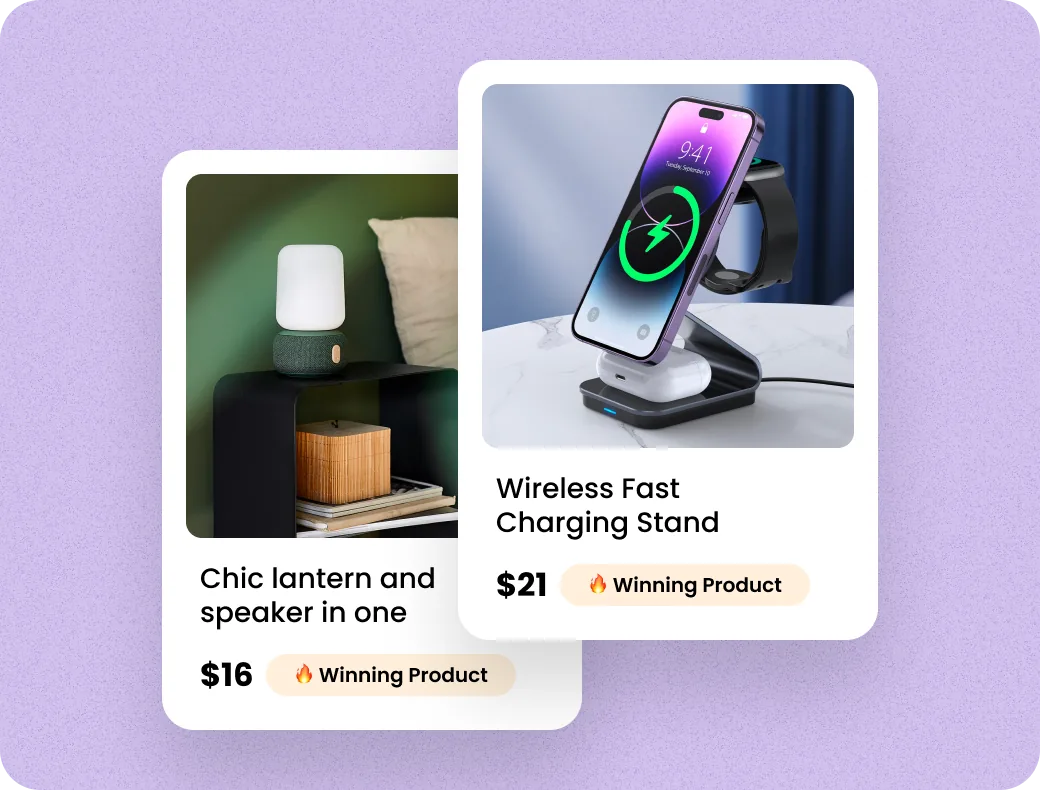
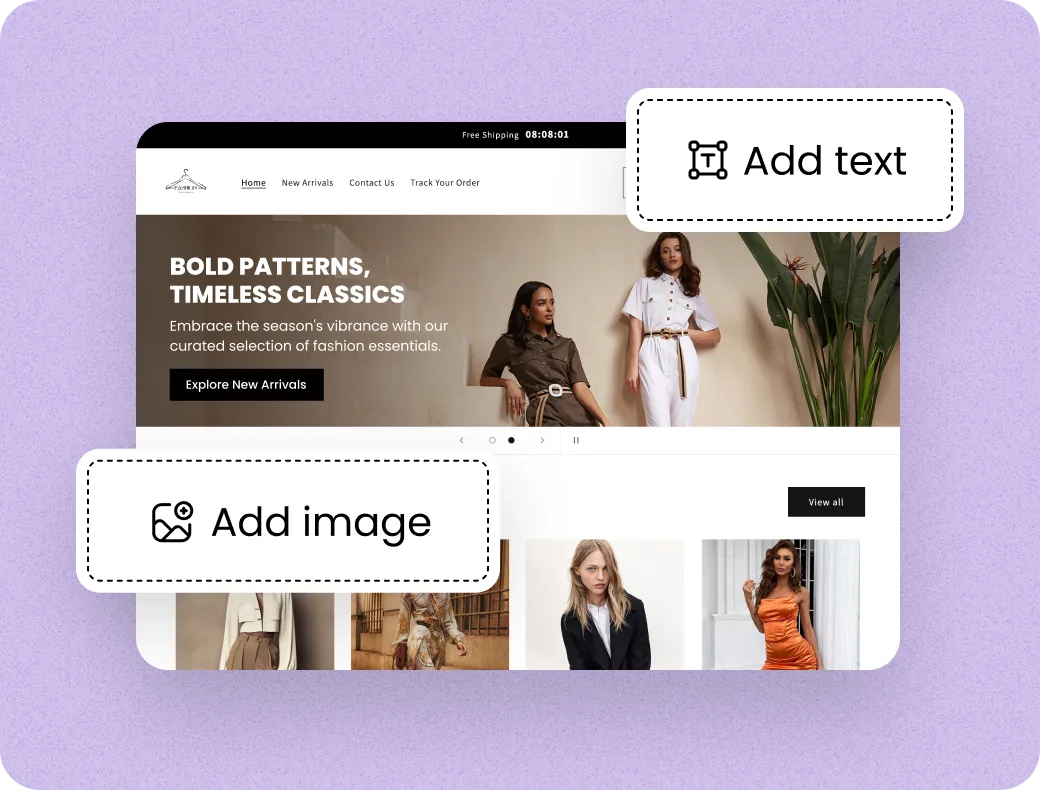
A store needs products with photos, prices and descriptions, plus the pages shoppers expect:
- Home and collection pages
- Product pages written to sell
- About, contact and policy pages
- Sales badges that build trust at checkout
4. Know the one real cost
The build can be free. The only cost that exists is the Shopify plan itself, paid to Shopify if you keep the store running after your trial.
5. Bring people in
Share the store with people you know, post short videos of your products, and watch which ones get clicks. Our records show owners getting their first sales anywhere from 48 hours to a week in.